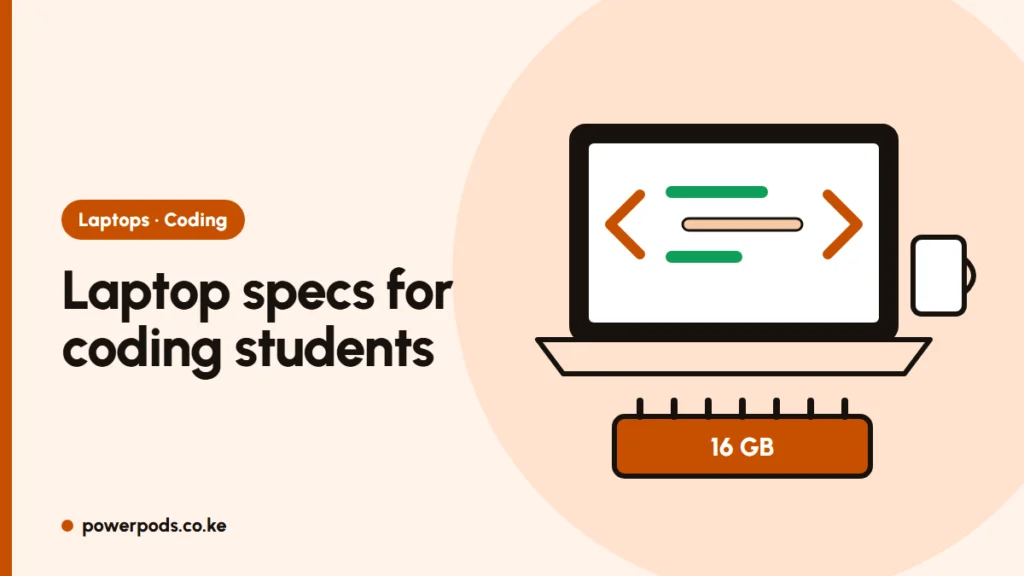
The computer science student laptop specs that matter are simple: 16 GB of RAM if you can, 8 GB at minimum, and an SSD (never a hard disk). A recent Core i5 or Ryzen 5, a good keyboard and long battery life matter more than a graphics card or a flashy screen.
Updated 29 October 2026.
What programming actually uses
Most coding is light work for the processor. Writing Python, Java or C and running small programs barely stresses a laptop. The heavy load comes from the tools around the code:
- The editor or IDE: VS Code is light; IntelliJ, Android Studio and Visual Studio eat memory.
- The browser: twenty tabs of documentation and Stack Overflow add up.
- Emulators, Docker and virtual machines: these are the real RAM hogs, and they show up in later years (mobile development, networking, operating systems).
RAM: 8 vs 16 GB for coding
8 GB is enough for first-year coding in an editor like VS Code with a few browser tabs. It struggles once you run an Android emulator, Docker containers or a Linux virtual machine next to your browser.
16 GB is the comfortable target for a full degree. If your budget only stretches to 8 GB, check the laptop has a free RAM slot or non-soldered memory, so you can add a stick later (often around KES 4,000–6,500 for 8 GB DDR4, typical shop prices). Full comparison: 8 GB vs 16 GB RAM.
Why an SSD is non-negotiable
An SSD makes the laptop boot, open the IDE and compile projects several times faster than a hard disk. 256 GB is the bare minimum; 512 GB is better once you add tools, SDKs and virtual machines. A laptop with a fast processor and a hard disk will feel slower than a modest one with an SSD. More on this: SSD vs HDD.
Keyboard, screen and battery
You will type for hours, so test the keyboard before you buy. – Screen: Full HD (1920 × 1080) shows more code than the 1366 × 768 screens on many cheap laptops. – Battery: aim for 6+ hours of real use. Campus sockets are always taken and KPLC outages don’t wait for your deadline. – Wi-Fi: a dual-band (5 GHz) card copes better with crowded campus Wi-Fi. – Graphics card: not needed, unless you plan machine learning or game development.
Ex-UK business laptops with an 8th-gen Core i5 or newer, 16 GB RAM and an SSD are often the best value for students. If any spec name confuses you, see laptop specs explained.
Windows, Mac or Linux?
- Windows: works for almost every course; WSL lets you run Linux tools inside it.
- Mac: great for coding and needed if you want to build iPhone apps, but costly to buy and repair.
- Linux: free and loved by developers; you can install it alongside Windows later.
Check your department’s course list first. Some units need specific Windows-only software.
Quick answers
8 GB works for basic coding in a light editor. 16 GB is the comfortable amount for IDEs, emulators, Docker and virtual machines.
For first year, yes. By later years it gets tight, so choose a laptop that can be upgraded to 16 GB.
Always an SSD. It makes opening tools and compiling far faster, and a hard disk is the most common reason a student laptop feels slow.