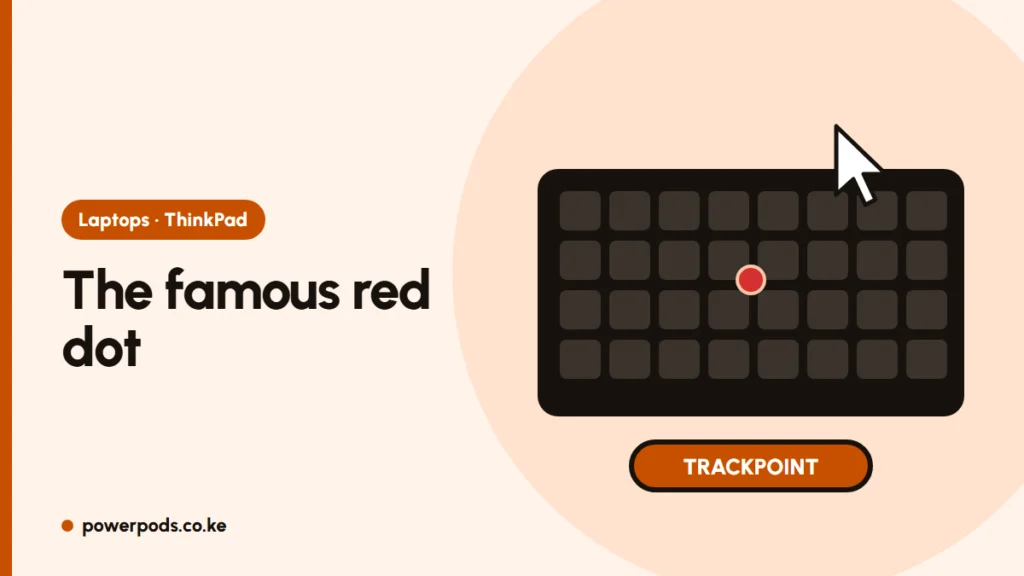
The ThinkPad red dot is the TrackPoint: a tiny pointing stick that moves the cursor without taking your hands off the keyboard. Push it gently in any direction and the pointer moves; the three buttons above the touchpad act as left click, scroll and right click.
How to use it
- Move: rest your index finger on the dot and press lightly. Harder pressure moves the cursor faster. Don’t rub it like a touchpad.
- Click: use the left and right buttons with your thumbs.
- Scroll: hold the middle button and push the dot up or down (or sideways).
- Practice: it feels strange for a day or two, then becomes faster than reaching for the touchpad, especially when typing a lot.
Change its speed or turn it off
- Speed and sensitivity: open Lenovo Vantage (Input settings) or Windows mouse settings, depending on the model.
- Turn it off: in Lenovo Vantage, or in the BIOS (press F1 at startup) under Config > Keyboard/Mouse > TrackPoint.
The touchpad keeps working either way.
Fix a drifting cursor
If the pointer creeps across the screen by itself:
- Take your hands off the keyboard for a few seconds; the TrackPoint recalibrates itself.
- Check nothing is pressing on the dot, such as a laptop sleeve or crumbs.
- Replace a worn cap: soft-dome, classic-dome and low-profile caps are cheap, and the right type depends on your model.
- Update the TrackPoint/touchpad driver through Lenovo Vantage.
Dust under the keys can also cause trouble: see how to clean a laptop keyboard.
Which laptops have it
Almost every ThinkPad: T, X, L, P and E series, including the T490s and T14s compared in ThinkPad T490s vs T14s. Some Dell Latitude and HP EliteBook models have a similar pointing stick, often with a blue or black cap.
Quick answers
The TrackPoint, a pointing stick that controls the cursor.
Hold the middle button above the touchpad and push the dot up or down.
In Lenovo Vantage or in the BIOS under Keyboard/Mouse settings.