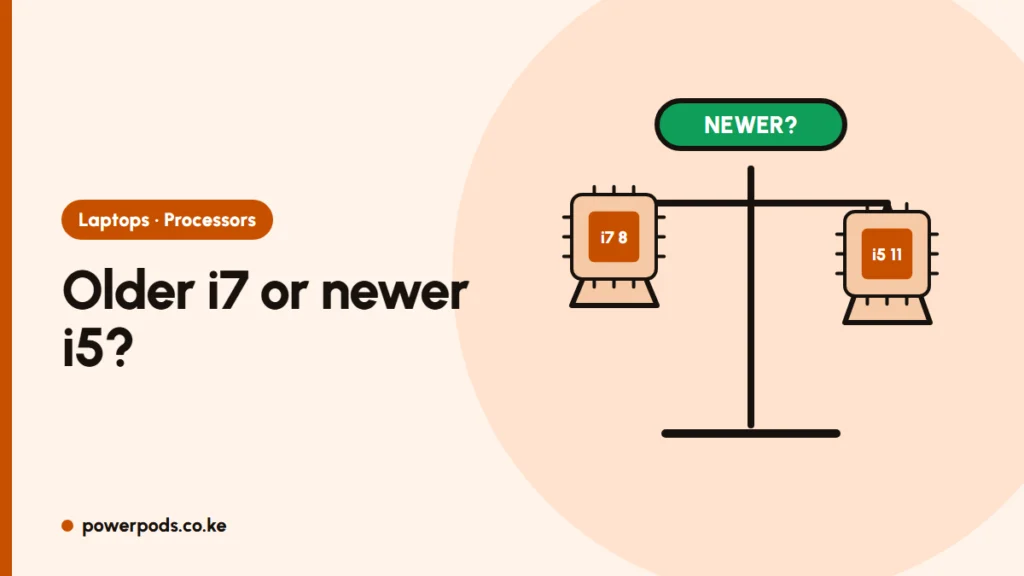
In 8th Gen i7 vs 11th Gen i5, the newer 11th Gen i5 wins for most people: it is quicker in everyday use and its Iris Xe graphics are far stronger. An 8th Gen i7 laptop still makes sense when it costs less or comes with more RAM.
Head to head
| 8th Gen Core i7 (e.g. i7-8665U) | 11th Gen Core i5 (e.g. i5-1135G7) | |
|---|---|---|
| Cores / threads | 4 / 8 | 4 / 8 |
| Everyday speed | Good | Faster |
| Built-in graphics | Intel UHD 620 | Intel Iris Xe (with dual-channel RAM) |
| Video editing, light games | Weak | Clearly better |
| Typical extras | Wi-Fi 5 | Wi-Fi 6, often Thunderbolt 4 |
| Windows 11 | Supported | Supported |
The i7 badge only means “top of its own generation”. Three generations of improvements matter more; see what i3, i5 and i7 mean.
When the 11th Gen i5 is the better buy
- You edit photos or video, use two monitors or play light games.
- You want the laptop to stay useful for more years.
- Prices are close. For example, an 11th Gen i5 ProBook 630 G8 with 16GB costs about the same as an 8th Gen i7 EliteBook 840 G6.
When the 8th Gen i7 still makes sense
- It is noticeably cheaper, or comes with 16GB RAM against 8GB on the i5.
- You want a premium body (an EliteBook or x360) and mostly use Office, browsers and Zoom.
- Both are equally fine for typing, spreadsheets and streaming.
Both generations meet the Windows 11 requirements, so neither will be stuck on an unsupported Windows version. Before paying, check the processor generation yourself: sellers sometimes list only “Core i7”.
Quick answers
Yes for office work, school and browsing, and it runs Windows 11. It struggles with video editing and games.
For most everyday tasks and anything using graphics, yes. The 10th Gen i7 can be close in pure processor work.
Generation, when the gap is two or more generations.