
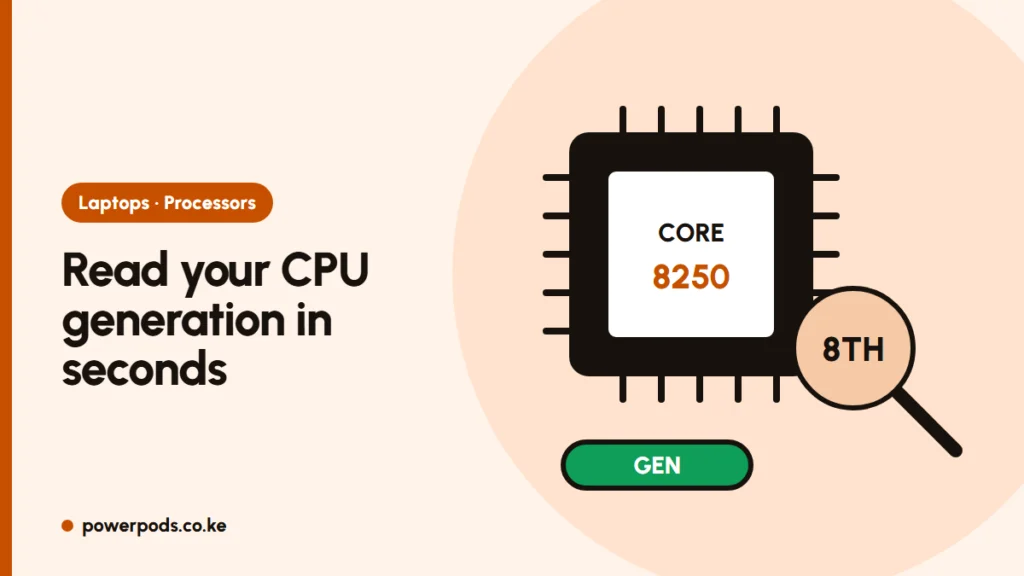
To check processor generation on Windows, open Settings > System > About and look at the processor name, for example “Intel Core i5-8250U”. For Intel, the digits right after the dash give the generation: 8250 means 8th gen, 1135 means 11th gen. It takes 30 seconds and tells you far more than “Core i5” alone.
Find the model number
Any of these shows the full processor name:
- Settings > System > About > Processor.
- Task Manager (Ctrl + Shift + Esc) > Performance > CPU, top right.
- Press Windows + R, type
msinfo32and look at Processor. - No Windows yet? Check the BIOS screen or the box label.
Don’t rely on the sticker on the palm rest. It shows the brand family, not the generation, and it may not even match the processor inside.
Read the generation from it
Intel Core i3, i5, i7 and i9:
- 4-digit number after the dash: the first digit is the generation. i5-8350U = 8th gen.
- 5-digit number (10th gen and later): the first two digits. i7-10510U = 10th gen; i5-1235U = 12th gen.
- Letters at the end tell you the type: U = low power, H/HX = high performance, G7/G4 = 11th or 10th gen with better graphics.
| Example | Generation |
|---|---|
| i5-4300U | 4th |
| i5-6300U | 6th |
| i5-7200U | 7th |
| i5-8350U | 8th |
| i5-10310U | 10th |
| i5-1135G7 | 11th |
| i5-1245U | 12th |
| i5-1345U | 13th |
| Core Ultra 5 125U | Core Ultra (Series 1) |
| Core Ultra 7 258V | Core Ultra (Series 2) |
Newer chips drop the “i”: Core Ultra and plain Core 5/Core 7 names follow a new scheme, and all are recent.
To understand i3 vs i5 vs i7, see what i3, i5 and i7 mean.
AMD Ryzen generations
- For Ryzen, the first digit is the series: Ryzen 5 3500U is 3000 series, Ryzen 5 5600U is 5000 series.
- From the 7000 series on, the third digit shows the actual architecture, so a 7530U is older inside than a 7640U.
- Newer “Ryzen AI” chips use their own names and are all recent.
Why generation matters for Windows 11
Windows 11 officially supports roughly Intel 8th gen and newer, or AMD Ryzen 2000 series and newer. Older chips can’t get the free upgrade, and Windows 10 no longer gets security updates. Full details: Windows 11 system requirements.
This matters most when buying ex-UK laptops in Kenya. Many adverts say “Core i5” with no generation, and a 4th gen i5 is a very different laptop from an 11th gen one. Ask for the full model number or a photo of the About screen, then check it yourself. More tips in how to check a used laptop before buying.
Quick answers
Open Settings > System > About, note the processor model and read the first digit (or first two digits for 10th gen and later) after the dash.
In “i5-8250U” it’s 8th gen; in “i5-1135G7” it’s 11th gen.
The first digit after “Ryzen 3/5/7” is the series; on 7000-series chips and later, the third digit shows the architecture.


