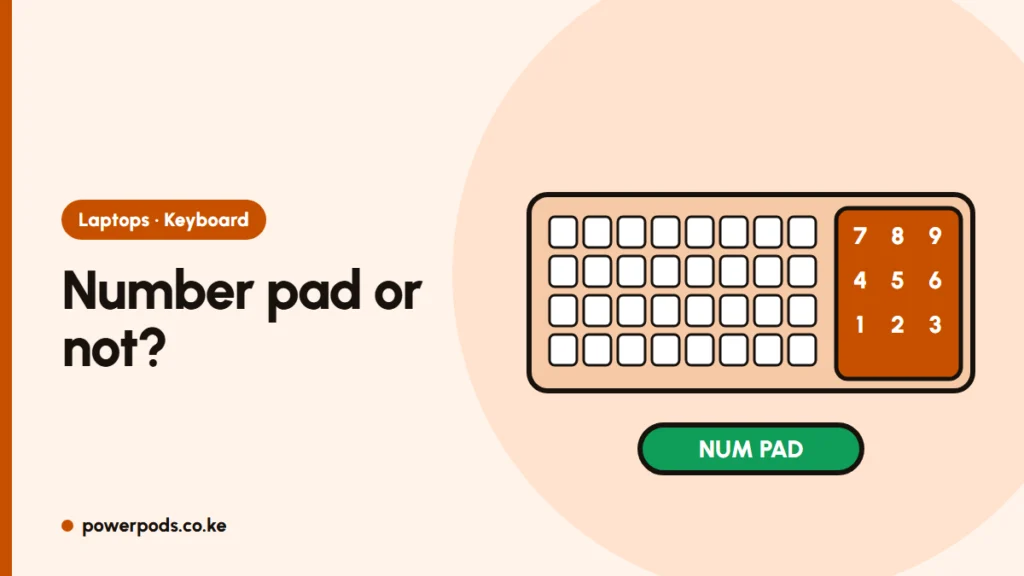
You need a laptop with numeric keypad if you type a lot of numbers: accounts, data entry, stock taking or big spreadsheets. For everyone else it’s optional, and the trade-off is size: number pads come almost only on 15.6-inch laptops, which are heavier to carry.
Who benefits
- Accountants, bookkeepers and auditors working in Excel or QuickBooks.
- Shop and duka owners entering stock and sales.
- Anyone doing KRA returns, payroll or M-Pesa statement reconciliation.
- Data entry and survey work.
Typing numbers on a keypad is faster because one hand stays in place, like on a calculator.
The trade-offs
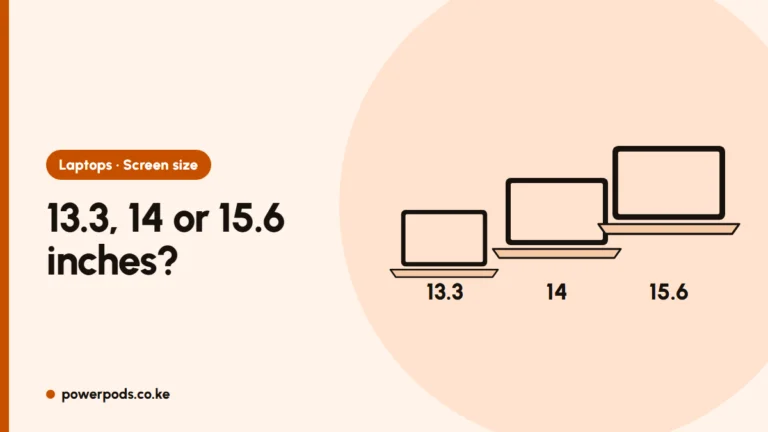
- Size and weight: 15.6-inch business laptops weigh about 1.6–1.8 kg against about 1.4 kg for 14-inch models. See the laptop screen size guide.
- Off-centre typing: the main keys and touchpad shift left, which takes a few days to get used to.
- Fewer choices: most 13.3 and 14-inch business laptops have no number pad.
Examples with a number pad
- HP EliteBook 850 G8: 11th Gen i7, 15.6-inch.
- HP EliteBook 850 G7: 10th Gen i7, 15.6-inch.
- Dell Latitude 5520/5530 and HP ProBook 450/650 series also include one.
The cheap alternative
Prefer a light 13.3 or 14-inch laptop? Add a USB or wireless numeric keypad: a small, inexpensive accessory that sits beside the laptop at your desk. You get a portable laptop and a number pad when you need it.
Number pad not working?
- Press Num Lock (on some laptops Fn + Num Lk or Fn + F11/Scr Lk). Many show a small light when it’s on.
- If numbers move the cursor instead, Num Lock is off.
- Still dead? Check the keyboard language in Settings > Time & language, then try cleaning under the keys: see how to clean a laptop keyboard.
Quick answers
Which laptops have a numeric keypad?
Mostly 15.6-inch and larger models, such as the HP EliteBook 850 and Dell Latitude 5520.
Do 14-inch laptops have a number pad?
Rarely. Use a USB keypad instead.
Why is my laptop number pad not working?
Usually Num Lock is off. Press Num Lock or Fn + Num Lock.