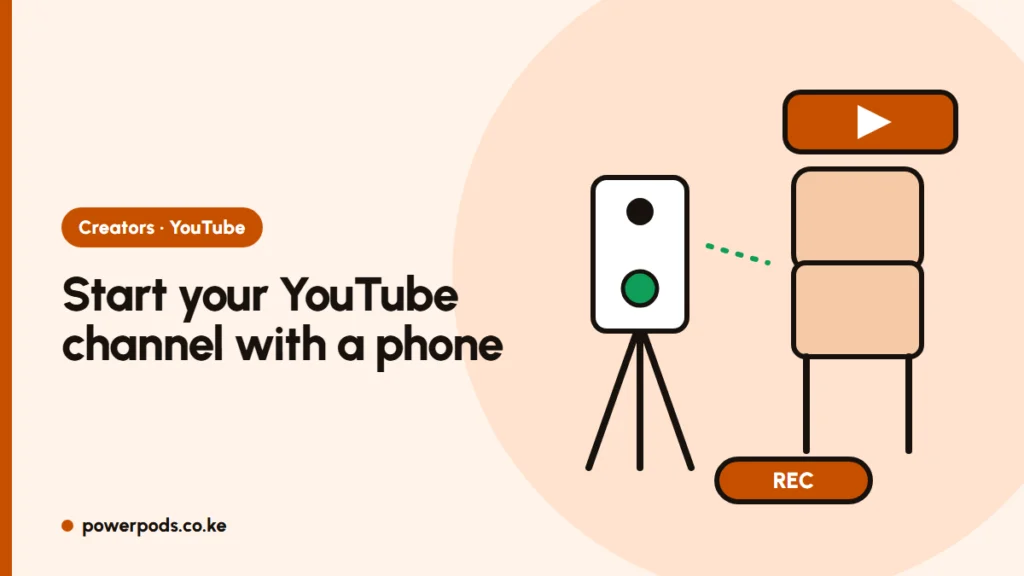
To start a YouTube channel, sign in to YouTube with a Google account, tap your profile picture and choose Create a channel, then add a name, picture and description. You can do it all, and film your first videos, with just a phone; the hard part is posting regularly.
Updated 29 October 2026.
Create the channel
- Sign in with a Google account (a separate one for the channel keeps things tidy).
- In the YouTube app or on youtube.com, tap your profile picture > Create a channel.
- Choose a name and a handle (@yourname).
- Verify your phone number to unlock longer uploads, custom thumbnails and live streaming.
- Turn on 2-Step Verification: needed to earn, and it protects against hacking.
Branding: name, icon, banner
- Name: short, easy to spell, hinting at your topic. Check it’s free on TikTok and Instagram too.
- Picture: your face or a simple logo.
- Banner: keep text centred; phones crop the edges.
- Description: one or two lines on what you post and how often. Kiswahili, Sheng and English content each has its own audience.
Pick one niche to start: gaming, tech, cooking, comedy or farming. For gaming, see how to start a gaming YouTube channel.
Your first video with just a phone
- Light: face a window or film outside in shade.
- Sound: viewers forgive average video, not bad audio. Film somewhere quiet, close to the phone, or use a clip-on mic.
- Steady: a small tripod. Horizontal for videos, vertical for Shorts.
- Edit: free phone apps trim and add text. Use only music you have rights to, or YouTube’s free Audio Library.
- Thumbnail and title: clear face, few words, a title that says what the video gives.
Uploads use a lot of data. Use home Wi-Fi where you can, or a large bundle overnight.
How YouTube monetisation works
You earn through the YouTube Partner Program (YPP), open to creators in Kenya, at two levels:
| Level | Requirements | What you get |
|---|---|---|
| Fan funding | 500 subscribers, 3 uploads in 90 days, plus 3,000 watch hours in 12 months or 3 million Shorts views in 90 days | Memberships, Super Chat, Shopping |
| Ad revenue | 1,000 subscribers plus 4,000 watch hours in 12 months, or 10 million Shorts views in 90 days | Share of ad money, plus the above |
You must apply and have no Community Guidelines strikes. Reaching the numbers doesn’t guarantee approval: YouTube reviews the whole channel, and re-uploaded films or football clips get rejected.
Getting paid in Kenya
Payments go through Google AdSense for YouTube:
- Link AdSense in YouTube Studio > Earn.
- Verify your address with the PIN Google posts, and your identity if asked.
- Fill in the tax information.
- Add a Kenyan bank account in your exact legal name.
Google pays monthly once you pass the payment threshold shown in AdSense. Ask your bank about fees for receiving foreign transfers.
Many creators also earn from brand deals, a PlayStation business or esports.
Quick answers
Sign in with a Google account, tap your profile picture, choose Create a channel, and add a name, handle and picture.
Yes. A phone, daylight, quiet sound and a tripod are enough.
Through the YouTube Partner Program: AdSense pays monthly by bank transfer to a Kenyan account once you pass the payment threshold.