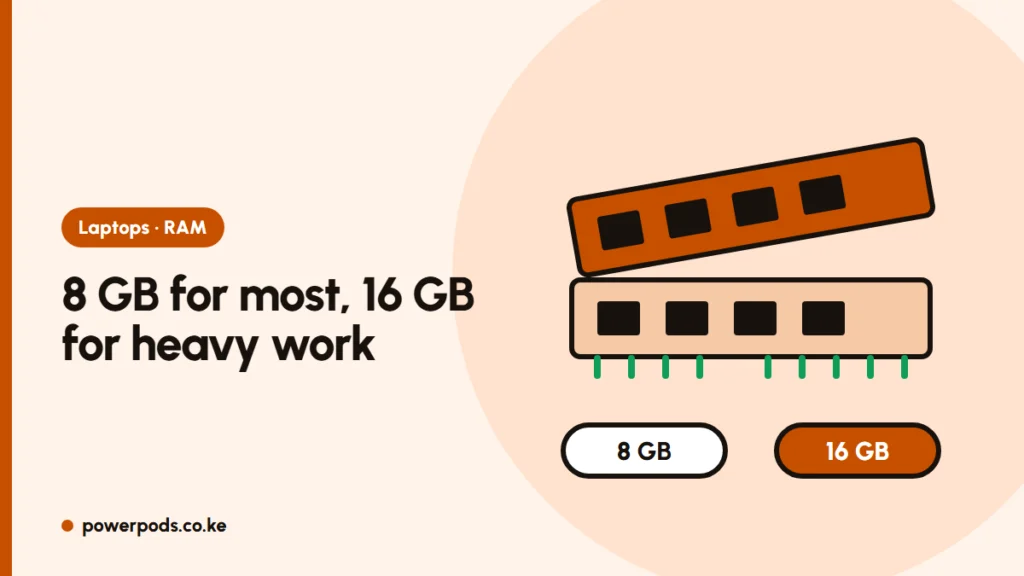
How much RAM do I need? For most people, 8 GB is the minimum for a smooth Windows laptop, and 16 GB is the safe choice if you edit, game or keep many tabs open. 4 GB still exists in cheap laptops, but it struggles with today’s browsers and Windows 11.
What RAM does
RAM is the laptop’s short-term working space. Every open app, browser tab and Zoom call sits in RAM while you use it.
When RAM runs out, the laptop borrows space from storage, which is far slower. That’s when you see freezing, tabs reloading and a fan that never stops. More RAM doesn’t make a laptop faster on its own; it stops it from slowing down when you multitask.
RAM isn’t storage: see RAM vs storage if the two get mixed up in adverts, and laptop specs explained for the rest of the spec sheet.
RAM by task: a simple table
| What you do | Minimum | Comfortable |
|---|---|---|
| Browsing, WhatsApp Web, email | 4 GB | 8 GB |
| School work, Word, Excel, Google Docs | 8 GB | 8 GB |
| Zoom or Teams calls with other apps open | 8 GB | 16 GB |
| Many browser tabs, office work all day | 8 GB | 16 GB |
| Photo editing, light design | 8 GB | 16 GB |
| Gaming | 16 GB | 16 GB |
| Video editing, 3D, programming with virtual machines | 16 GB | 32 GB |
Video editing: 16 GB handles 1080p editing; 4K editing and heavy effects run better on 32 GB.
4GB vs 8GB vs 16GB
- 4 GB: enough only for light browsing and documents. Windows 11 runs, but slowly with several apps. Avoid it if you can.
- 8 GB: fine for students and office work. The sensible starting point for most buyers.
- 16 GB: smooth multitasking, gaming and editing, and the laptop stays usable for longer as apps get heavier.
Deciding between the last two? See 8GB vs 16GB RAM.
Can you add more later?
Sometimes, and it’s worth asking before you buy.
- Many budget and thin laptops sold in Kenya have RAM soldered to the motherboard. What you buy is what you keep.
- Others have one or two slots; you can add a stick later at a computer shop, often cheaply compared with buying a new laptop.
- Many ex-UK business laptops have slots, which makes them easy to upgrade.
How to check: search the exact model number with “RAM upgrade” or “max RAM”, or ask the seller to open the back. A fundi should match the RAM type (DDR4 or DDR5) and speed to what’s already there.
To see what your laptop has now, follow how to check how much RAM you have.
Quick answers
8 GB for school and office work, 16 GB for gaming, editing or heavy multitasking, and 32 GB for serious video work.
Yes, for browsing, Office, Zoom and study. Choose 16 GB if you keep many tabs open or want the laptop to last longer.
16 GB for 1080p editing; 32 GB for 4K or heavy effects.