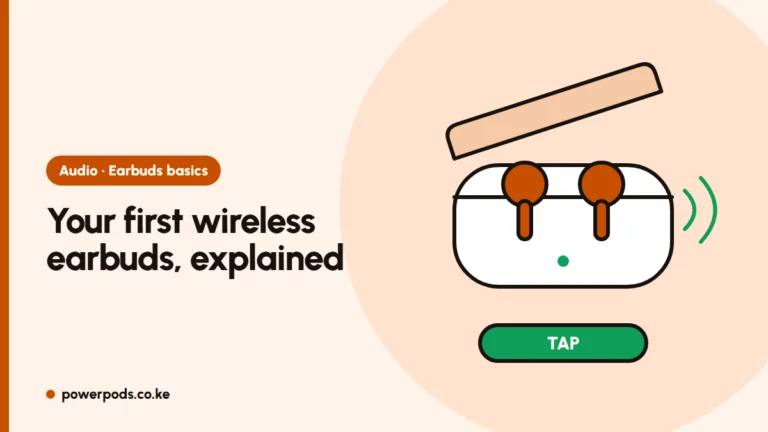
To put earbuds in pairing mode, open the case with the buds inside and hold the button on the case for a few seconds; if there’s no button, take both buds out and touch and hold both for a few seconds. A blinking light or a “pairing” voice prompt tells you it worked.
Once they’re in pairing mode, follow our guide to connect earbuds to your phone.
What pairing mode looks like
Earbuds are in pairing (discovery) mode when you see or hear one of these:
- A light flashing blue and red, or white (often fast blinking).
- A voice saying “pairing” or a rising beep.
- The earbuds’ name appears in your phone’s Bluetooth list, or a pop-up card shows on the screen.
A slow, steady light usually means connected or charging, not pairing. If your phone connects to them automatically, they’re paired to it already.
Earbuds with a case button
Most branded and many no-name earbuds work like this:
- Put both buds in the case and keep the lid open.
- Press and hold the case button for a few seconds until the light flashes.
- Search on your phone and tap the name.
Hold much longer and many cases reset the buds instead, so let go once the light flashes.
Touch-control earbuds
Most cheap TWS earbuds sold in Kenya have no case button. For these:
- Take both buds out of the case. Many go into pairing mode automatically the first time.
- If not, touch and hold both touch areas for a few seconds until the light flashes.
- If you see the name twice (like “TWS-L” and “TWS-R”), the buds have come apart. Fix that first with how to pair earbuds together.
Samsung, JBL and other brand notes
- Samsung Galaxy Buds: put them in the case and open the lid; they enter pairing mode on their own. A Samsung phone shows a pop-up. To pair a new phone, touch and hold both touchpads for a few seconds while wearing them.
- JBL: new buds pair when you take them out. To pair again, open the case or hold the case or bud button, depending on the model; the JBL Headphones app shows the right gesture for yours.
- Apple AirPods: open the lid and hold the button on the back of the case until the light flashes white.
The leaflet in the box usually shows the exact button pattern.
Still not in pairing mode: reset
- Forget the earbuds on every phone or laptop they’ve been paired with. Many buds connect to the last device instead of going into pairing mode.
- Charge them in the case for a while; low batteries cause odd behaviour.
- Reset: with the buds in the open case, hold the case button well past the pairing point, until the light flashes a different colour. Touch-only buds usually reset with a long hold or several taps on both; the leaflet gives the pattern.
- Put them back in the case, close the lid for a few seconds, then try pairing again.
Quick answers
Open the case with the buds inside and hold the case button for a few seconds. If there’s no button, take the buds out and touch and hold both for a few seconds.
The light flashes fast (often blue and red, or white), you hear a “pairing” prompt, or the earbuds appear in your phone’s Bluetooth list.