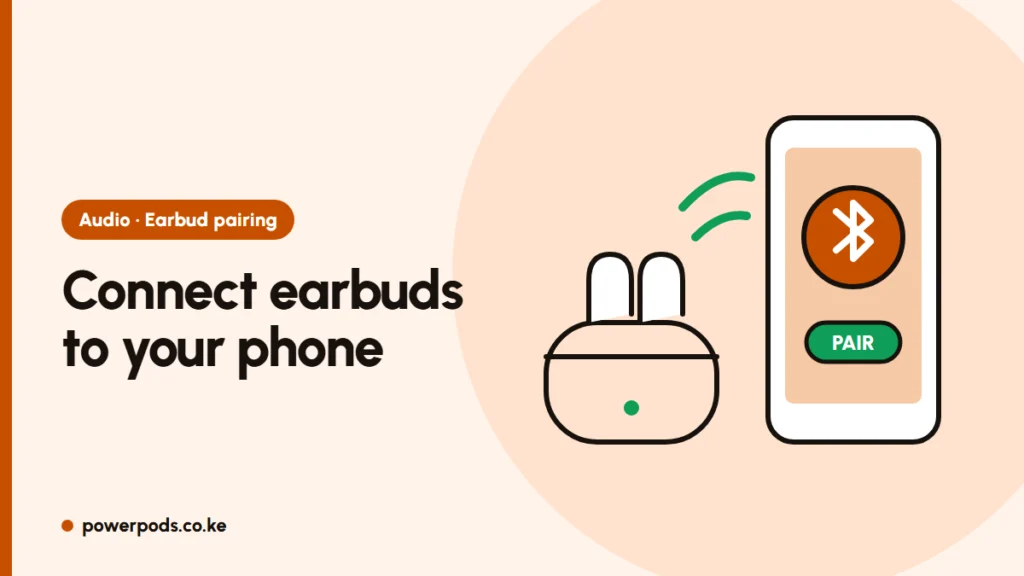
To connect earbuds to your phone, put them in pairing mode (usually just open the case or take both buds out), turn on Bluetooth and tap the earbuds’ name in the list. Most pairs connect in under a minute; the rest of this guide covers the fiddly cases.
Before you pair: charge and take them out of the case
- Charge first. Leave the buds in the case on charge for 20–30 minutes. Half-flat buds often pair one side only.
- Find pairing mode. Most true wireless (TWS) buds enter it when you take both out of the case. A fast-flashing light (often white, or red and blue) means “ready to pair”.
- Generic buds with a Chinese-only manual usually follow the same pattern: hold both touch areas for about 3–5 seconds to switch on, and about 10–15 seconds to reset.
Can’t get the flashing light? See how to put earbuds in pairing mode.
Pair with an Android phone
- Open Settings > Connected devices (or Bluetooth) and tap Pair new device.
- Wait for the name to appear. Cheap buds often show a model code such as “TWS” or “i12” rather than a brand.
- If you see two names, one ending in L or R, tap the one without the letter, or the right bud first.
- Accept the pairing request. Samsung, Pixel and many other phones also show a pop-up for supported buds as soon as you open the case nearby.
Pair with an iPhone
- Open Settings > Bluetooth and make sure it is on.
- Tap the earbuds under Other Devices.
- AirPods and Beats skip this: open the case next to the unlocked iPhone and tap Connect.
Older Bluetooth earpieces sometimes ask for a PIN. Try 0000 or 1234.
Pairing fails: the 5 most common causes
- Still connected to another device. Buds jump to the last phone, laptop or TV they knew. Turn off Bluetooth on that device.
- Not in pairing mode. No flashing light means the phone can’t see them.
- The two buds are out of sync. Only one side connects, or both show up separately. Reset them and follow how to pair earbuds together.
- An old pairing record. On the phone, tap the earbuds’ name > Forget, reset the buds, then pair fresh.
- Dirty charging contacts. If a bud won’t charge in the case, it won’t pair either. Wipe the metal pins with a dry cotton bud. Still dead on one side? Try one earbud not working.
A quick phone restart also clears many Bluetooth glitches.
Switching between phone, laptop and TV
Most budget earbuds remember several devices but connect to only one at a time. To switch, disconnect them in the Bluetooth menu of the first device, then tap their name on the second.
Some newer buds support multipoint, staying linked to two devices and switching when a call comes in. Laptops pair the same way: connect earbuds to a laptop. On a smart TV, look under Settings > Sound > Bluetooth; expect a slight delay between picture and sound on some sets.
Everyday care
- Keep buds in the case when not in use; it protects them and keeps them charged.
- Brush the speaker mesh with a dry, soft toothbrush. Never rinse them, even “water-resistant” ones.
- Wipe sweat off after the gym or a matatu ride in the heat.
- Don’t leave the case on a hot car dashboard or in direct sun.
Quick answers
Take both buds out of the case until the light flashes, open Bluetooth on your phone and tap their name. On iPhone, AirPods connect from a pop-up when you open the case.
They are usually still connected to another device or not in pairing mode. Turn off Bluetooth on other devices, put the buds back in the case, take them out again, and refresh the list.
With the earpiece off, hold its main button for about 5–7 seconds until the light flashes, then tap its name in your phone’s Bluetooth list. If asked for a PIN, try 0000.