
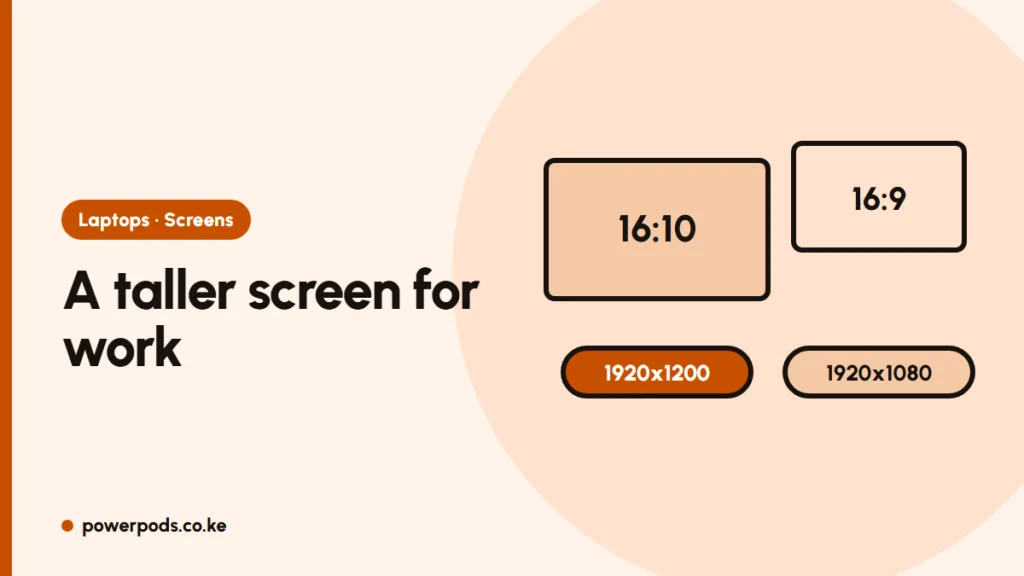
In WUXGA vs Full HD, WUXGA (1920×1200) is a slightly taller version of Full HD (1920×1080), giving you about 11% more vertical space. That means more lines of a document or spreadsheet without scrolling; for films the two look much the same.
The numbers
| Full HD (FHD) | WUXGA | |
|---|---|---|
| Resolution | 1920 × 1080 | 1920 × 1200 |
| Aspect ratio | 16:9 (wide) | 16:10 (taller) |
| Sharpness on 14 inches | Same | Same |
| Common on | Most laptops up to around 12th Gen | Many newer business laptops (e.g. EliteBook 840 G9, x360 1040 G9) |
The width is identical; WUXGA adds 120 rows of pixels at the top and bottom.
Who notices the difference
- Office work and study: more rows in Excel, more of a Word page, more lines of code. On a 13 or 14-inch laptop this is the most noticeable gain.
- Video calls: a little more room for meeting controls and chat.
- Movies and YouTube: most videos are 16:9, so a 16:10 screen shows thin black bars above and below. Hardly noticeable.
What matters more than 16:10
The resolution label doesn’t tell you how good the screen is. Check:
- Brightness: about 250 nits is dim near a window; 400 nits or more is comfortable in bright rooms.
- Panel type: IPS gives good colours and viewing angles; avoid old TN panels.
- Touch or privacy filters: touch adds glare; privacy screens (like HP Sure View) narrow the viewing angle.
A great Full HD screen beats a dim WUXGA one. For screen sizes, see the laptop screen size guide; for the full spec list, laptop specs explained.
Example: the HP EliteBook x360 1040 G9 uses a 14-inch WUXGA touchscreen.
Quick answers
For work, slightly, thanks to the taller screen. For video, they’re about the same.
No. It’s 1920×1200, a little taller than 1080p.
Yes. Most modern games support it, and you see a little more vertically.


