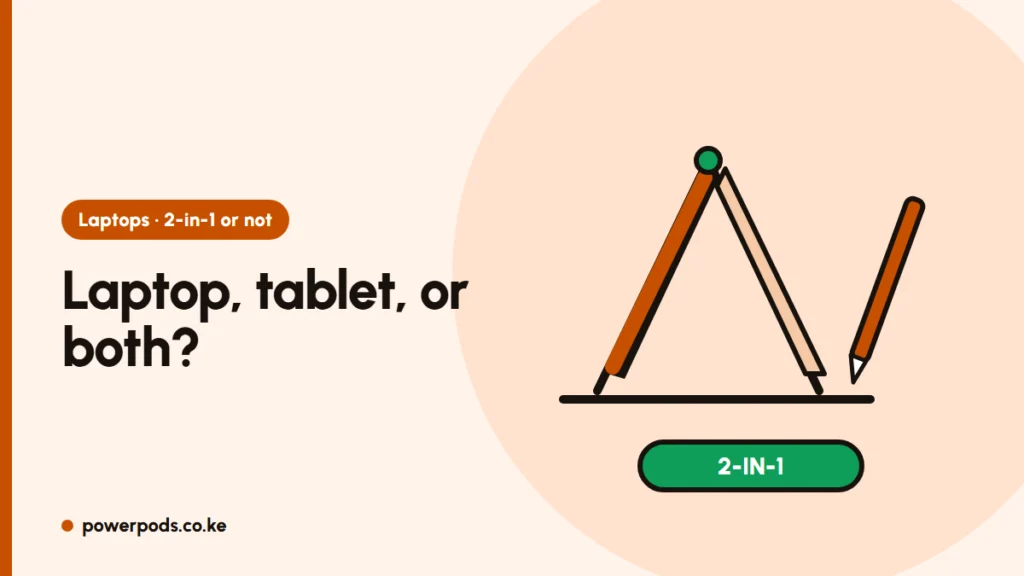
The main 2-in-1 laptop pros and cons in one line: you get a touchscreen laptop that folds or detaches into a tablet, great for handwritten notes and presenting, but you pay more for the same performance and accept a heavier tablet, a hinge that can wear and costlier screen repairs. It’s worth it if you’ll actually use the pen or tablet mode most weeks.
What a 2-in-1 is
A 2-in-1 is a laptop with a touchscreen that changes shape:
- Convertible: the screen flips 360 degrees on its hinge into tent, stand or tablet mode. The keyboard stays attached.
- Detachable: the screen pulls off the keyboard and works as a tablet on its own.
Most run full Windows (some are Chromebooks), so they install the same programs as any laptop. For touch alone, without the folding, see is a touch screen laptop worth it.
Advantages
- Handwritten notes and diagrams. With a stylus, you can write lecture notes, annotate PDFs and sketch maths or engineering diagrams.
- Presenting. Tent mode works well for showing slides across a desk to a client, or at a church or chama meeting.
- One device instead of two. Reading, video and browsing in tablet mode; typing in laptop mode.
- Watching in small spaces. Stand mode puts the screen up close on a cramped table, keyboard tucked out of the way.
Disadvantages
- Price. You pay extra for the touchscreen, hinge and pen support compared with a regular laptop of the same specs.
- A heavy tablet. A 13–14 inch convertible is far heavier than a real tablet, tiring to hold for long.
- Hinge wear. The 360-degree hinge is a moving part that gets flipped daily. Ex-UK units need a careful check for loose hinges.
- Heat and speed. Thin chassis can’t shed heat as well, so the processor may slow under long heavy loads like video export or gaming.
- Repair cost. A cracked touchscreen panel costs more to replace than a normal screen; Nairobi repair shops commonly quote around KES 15,000–25,000 for touch panels, depending on the model. Get a quote before buying an older model.
- Battery. The touch layer and brighter screen can cut battery life slightly.
- Pen not always included. Check before you budget.
Who it suits
| You are… | 2-in-1? |
|---|---|
| Student who writes notes by hand, studies maths, design or medicine | Good fit |
| Sales, teaching or church work with lots of presenting | Good fit |
| Mostly typing, spreadsheets and coding | Regular laptop, better value |
| Gamer or heavy video editor | Regular laptop with better cooling |
| On a tight budget | Regular laptop, or a cheap tablet plus a laptop |
Weighing a tablet instead? See tablet or laptop for students. Whatever shape you choose, the processor, RAM and storage matter more: laptop specs explained.
Quick answers
Higher price for the same specs, a heavy tablet mode, hinge wear, more heat under load and costlier touchscreen repairs.
Yes for students who take handwritten notes or draw diagrams with a pen. For mainly typing and coding, a regular laptop gives better value.