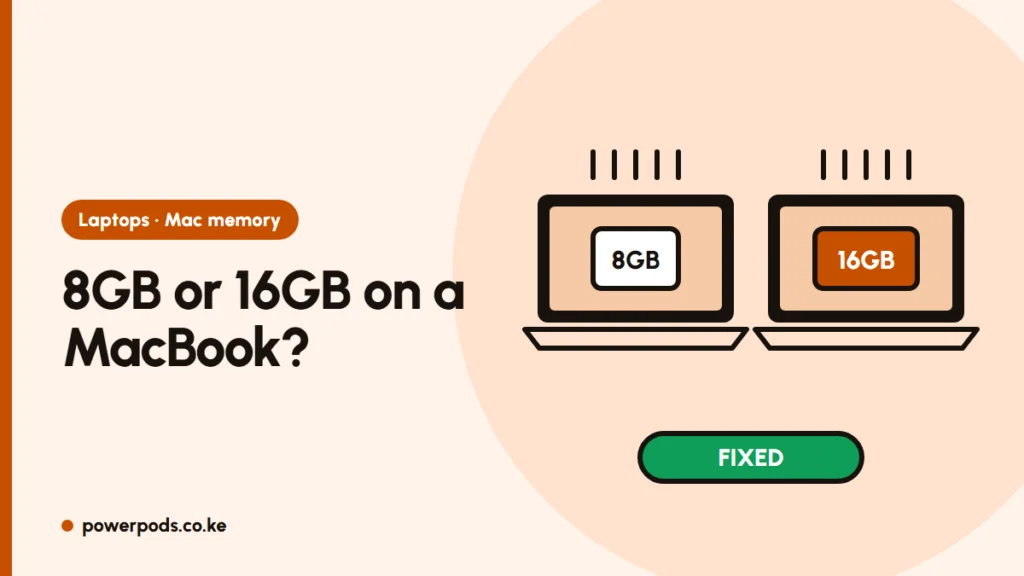
On the 8GB vs 16GB RAM MacBook question, 8GB is enough for browsing, documents, Zoom and streaming, but 16GB is the safer buy for anyone who keeps many tabs open, codes, edits photos or video, or plans to keep the Mac for years. Mac memory can never be added later, so choose once.
For RAM on Windows laptops, see how much RAM do I need. This piece is about Macs only.
What unified memory is
On Apple silicon Macs (M1 and later, plus the A-series MacBook Neo), the memory sits inside the chip package and is shared by the processor and graphics. Apple calls it unified memory. It’s fast and efficient, and macOS manages it well, so 8GB copes with more than the number suggests.
But it’s still the same pool for everything. When it’s full, the Mac has to compress memory and then borrow space from the SSD.
8GB vs 16GB in daily use
| Use | 8GB | 16GB |
|---|---|---|
| Browsing, Office, email, Netflix | Fine | Fine |
| Online classes and Zoom with a few tabs | Fine | Fine |
| 30+ Chrome tabs, Slack, Teams together | Slows down | Comfortable |
| Programming with an IDE, Docker or Android Studio | Struggles | Recommended |
| Lightroom, 4K video editing | Limited | Workable |
| Keeping the Mac 5+ years | Risky | Safer |
Is 8GB enough for programming? For learning web development or Python in a code editor, yes. For Android Studio, Docker, virtual machines or big projects, get 16GB or more.
Newer MacBook Air and Pro models start at 16GB. You’ll mostly meet 8GB on older or ex-UK M1, M2 and M3 MacBooks, and on Apple’s lower-cost MacBook Neo.
Swap and SSD wear
When memory runs out, macOS moves data to the SSD, called swap. Open Activity Monitor > Memory and look at the Memory Pressure graph:
- Green: all good, even if “Memory Used” looks high.
- Yellow: the Mac is compressing memory; you’re near the limit.
- Red: heavy swapping; expect lag.
Some swap is normal. Constant yellow or red during your normal work is the sign you needed more memory. Heavy, daily swapping also adds writes to the SSD, which, like the memory, is soldered and can’t be swapped out cheaply. For light users this wear is small; for heavy users on 8GB it’s one more reason to choose 16GB.
It can’t be upgraded: decide now
There are no memory slots on any Apple silicon Mac. Whatever you buy is what you’ll have for the life of the machine.
In Kenya, where MacBooks sell at a premium, 16GB models also tend to resell more easily, because the next buyer wants the same headroom. If the price gap is small, take 16GB. If it means a much older model, compare options in which MacBook should I buy, or weigh up MacBook or Windows laptop.
Quick answers
Yes for study, office work, browsing and streaming. Not for heavy multitasking, serious coding or video editing.
8GB for light use, 16GB for most people who want the Mac to last, and 24GB or more for heavy video, 3D or development work.