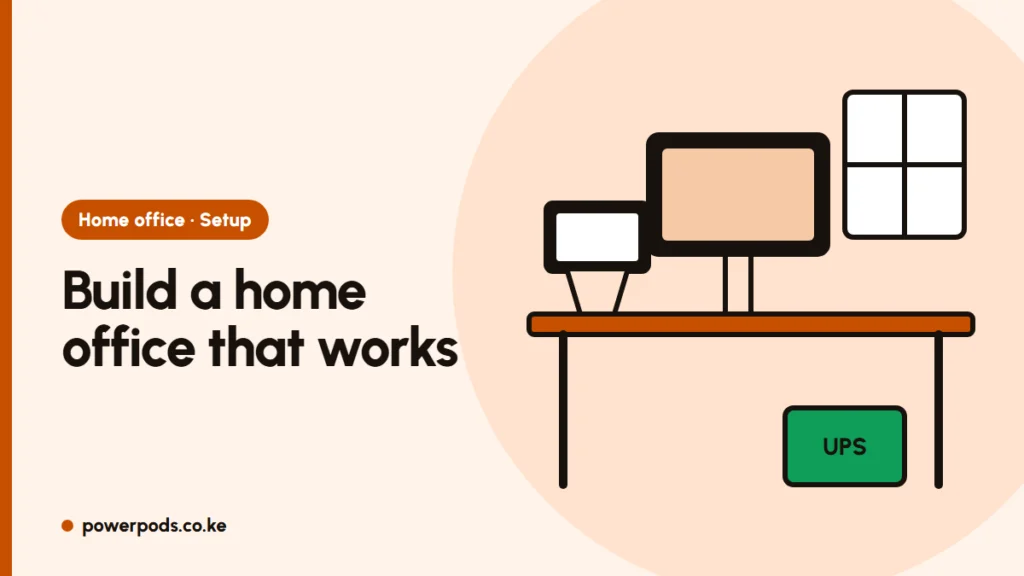
A good home office setup comes down to five layers: a quiet spot, a screen at eye level, a chair that supports your back, internet that stays up and power that survives a blackout. Get those right and the extras matter far less, even in a bedsitter.
Pick the spot
- Choose a corner you can leave set up. Packing everything away daily kills the habit.
- Face side-on to a window, not with it behind your screen (glare) or behind you (you’re a dark shadow on video calls).
- Keep away from the kitchen and the TV. In a one-bedroom, a corner of the bedroom often works better than the living room.
- Check ventilation. A small room with a laptop, monitor and router gets warm fast in Mombasa or a Nairobi afternoon; a fan or open window helps you and the electronics.
Desk, chair and screen height
The ergonomic basics: – Top of the screen at or just below eye level, about an arm’s length away. – Elbows at roughly 90°, wrists straight, feet flat (use a box or footrest if not). – A chair with lower-back support. A rolled towel behind your back helps a basic chair.
A laptop on a table forces you to look down all day. Raise it on a stand (or a stack of books) and use a separate keyboard and mouse.
Laptop + monitor setup
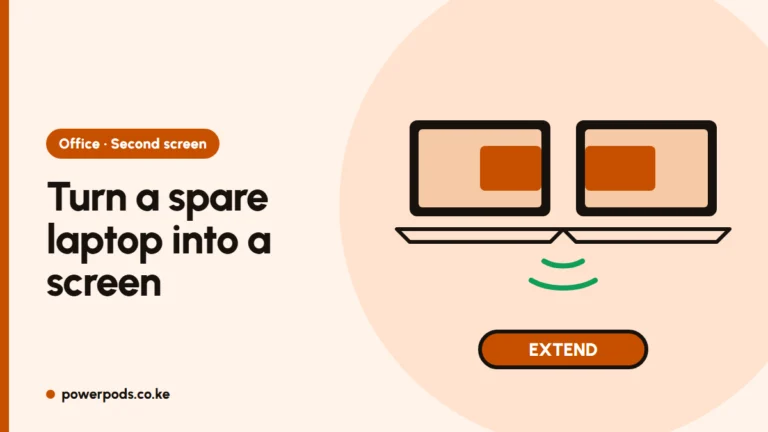
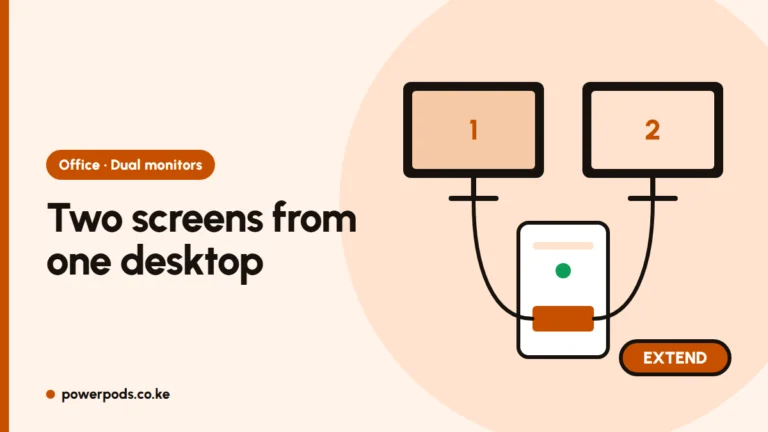
A second screen is the biggest productivity upgrade for most people: documents on one, calls or email on the other. – Most laptops connect over HDMI; newer ones may use USB-C. – Put the screen you use most directly in front of you, the other to the side. – Two monitors plus the laptop? See how to connect two monitors to a laptop.
Internet and power backup
Work-from-home falls apart when the Wi-Fi drops or KPLC switches off. – Fibre is the most stable for video calls; a home 4G/5G router or phone hotspot is the backup. Compare options in home internet options in Kenya. – Put the router in the open, high up, not inside a cabinet. More tips: how to increase Wi-Fi speed. – Keep the router (and fibre box) on during outages with a mini DC UPS or a router power bank. – A UPS (500–1,000 VA is typical for a desktop and monitor) gives you minutes to save work and shut down safely. Laptops already have a battery, so a router backup matters more. – Use a surge-protected extension, not a cheap multi-plug.
Lighting and noise
- Light from the side or front. A small desk lamp for evenings; warm-white is easier on the eyes.
- For calls, earphones with a mic beat the laptop speakers and cut echo and street noise (matatus, hawkers, neighbours’ music).
- Agree “office hours” with the household so you’re not interrupted mid-call.
Small-space layouts
- Bedsitter: a narrow desk (60–80 cm wide) against the wall beside the bed, monitor on a wall shelf or arm to save depth.
- Fold-down or wall desk: good where floor space is tight; keep the laptop stand and keyboard on it.
- Dining table: workable if you use a laptop stand and pack it into one box each evening.
- Run cables along the wall and tie them together so they don’t trip anyone.
Quick answers
Choose a quiet corner side-on to a window, raise the screen to eye level, use a chair with back support, get stable internet and keep the router running during power cuts.
A laptop, a stand or monitor at eye level, an external keyboard and mouse, earphones with a mic, reliable internet and a backup for the router.
Use a narrow desk against a wall, a monitor on a shelf or arm, a laptop stand, and tidy cables. A fold-down desk works where floor space is tight.