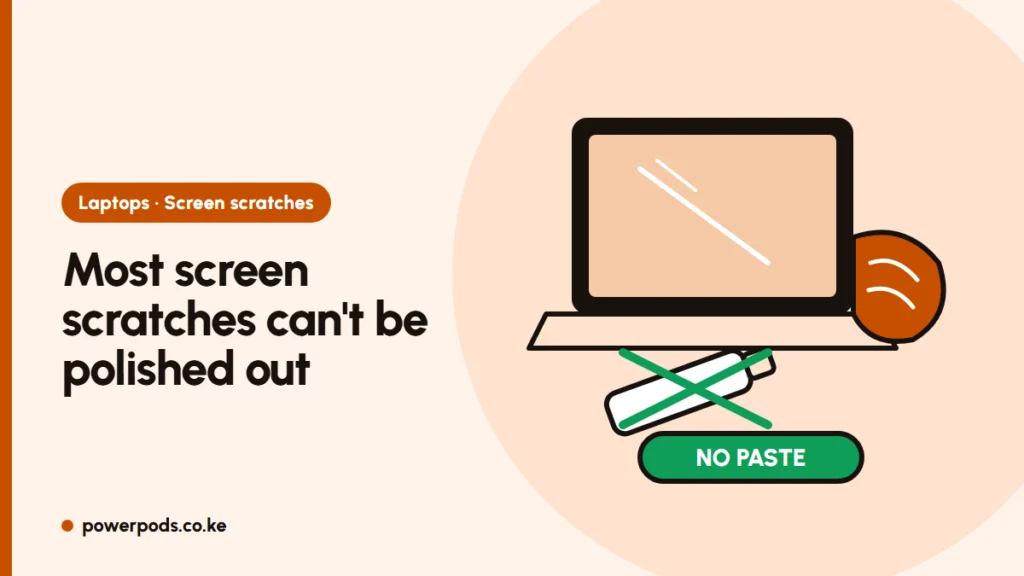
You can’t really fix laptop screen scratches at home: a true scratch in the screen’s surface or coating is permanent, and the only real fix is a new screen panel. What you can fix are marks that only look like scratches, such as keyboard imprints and smudges, which wipe off.
Updated 31 October 2026.
Light marks vs deep scratches
Run a fingernail gently across the line with the laptop off.
- Nail doesn’t catch, mark is shiny or greasy: usually a keyboard imprint or skin oil. Common when a laptop is squeezed in a bag and the keys press on the screen. This wipes off.
- Nail catches, or the line shows on a dark screen from every angle: a real scratch in the coating or panel. It won’t come out.
What works (a little)
- Wipe the screen with a dry or slightly damp microfibre cloth, using light pressure. The steps are in how to clean a laptop screen.
- For keyboard imprints, repeat the damp wipe and let it dry. Stop carrying the laptop squeezed between books or files.
- A light scratch on a glossy screen often becomes less visible once the screen is clean and brightness is up. That is as good as it gets.
- A clear screen protector won’t remove a scratch, but it can stop new ones and sometimes makes a fine line less noticeable.
Hacks to avoid
The same hacks people try on TVs fail here too (we cover them in removing TV screen scratches). On laptops, two points matter most:
- Matte (anti-glare) screens: the anti-glare layer is a finely textured coating. Toothpaste, baking soda or polish wears that texture flat, leaving a shiny patch that is worse than the scratch.
- Glossy screens and MacBooks: abrasives can strip the anti-fingerprint and anti-reflective coatings. MacBook screen coatings are delicate, so use only water on a soft cloth.
- Skip pencil erasers, Vaseline and “scratch repair” pens. They smear, attract dust, or scuff the area around the line.
Screen replacement costs in Kenya
If the scratch bothers you, replacing the panel is the fix. Typical prices quoted by Nairobi repair shops:
| Laptop type | Typical screen price |
|---|---|
| Budget HP, Lenovo, Dell (non-touch) | about KES 6,000 to 15,000 |
| Business models and touchscreens | about KES 15,000 to 25,000 |
| MacBooks and OLED or high-end panels | KES 30,000 and up |
Ask for the exact panel (resolution, touch or not, matte or glossy), whether it is a new or used part, and how long the warranty is. Prevention is cheaper: a sleeve, nothing on the keyboard when you close the lid, and the habits in how to make your laptop last longer.
Quick answers
Not at home. Marks that wipe off with a damp microfibre cloth weren’t scratches. A real scratch stays until the screen panel is replaced.
No. It is mildly abrasive, so on an anti-glare screen it wears the coating into a shiny patch, and on glossy screens it can strip protective coatings.
Wipe with a slightly damp microfibre cloth and let it dry. Avoid carrying the laptop squeezed in a full bag, which presses the keys into the screen.