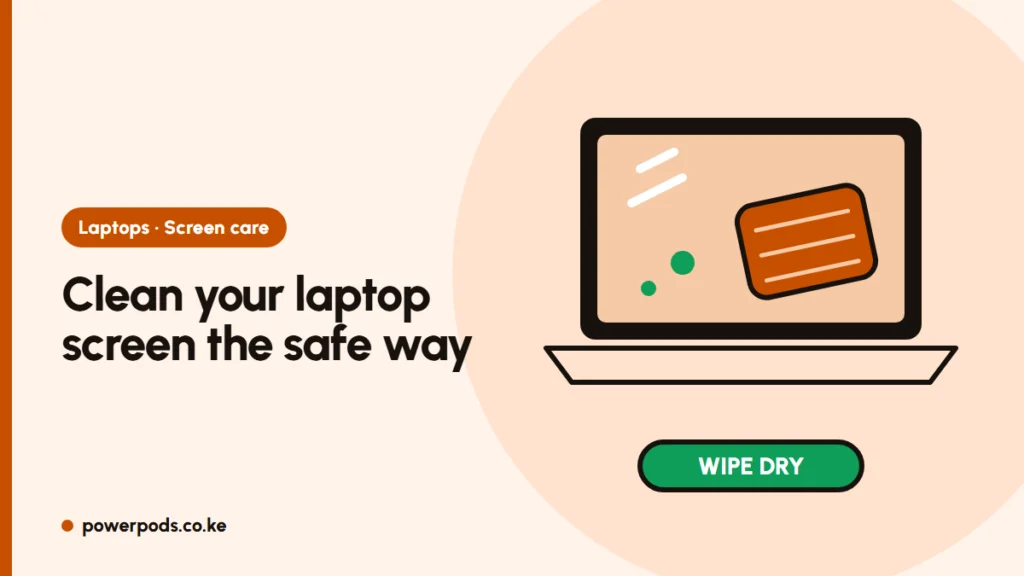
To clean a laptop screen safely, switch the laptop off, wipe gently with a dry microfibre cloth, then use the same cloth lightly dampened with plain water for fingerprints. That handles almost everything without risking the screen’s coating, and it takes about two minutes.
What you need
- A microfibre cloth. Spectacle-shop and supermarket cloths are cheap and work well. Keep one just for the screen.
- Clean water, ideally distilled or cooled boiled water, which leaves fewer marks than tap water.
- Optional: a screen cleaner labelled safe for laptop or LCD screens.
No microfibre? A soft, lint-free cotton cloth (an old, clean T-shirt) is the next best thing. Avoid tissue and kitchen towel: they shed fibres and their wood pulp can scratch.
Step-by-step safe clean
- Shut down and unplug the laptop. A dark screen shows dirt clearly, and you won’t press random keys.
- Dry wipe first. Sweep the cloth across the screen in light, straight strokes to lift the dust. Dust from murram roads and matatu stages is gritty, so rubbing before removing it can leave fine scratches.
- Dampen a corner of the cloth, never the screen. It should feel barely wet, not dripping.
- Wipe in one direction with light pressure. Don’t scrub one spot.
- Buff dry with a dry part of the cloth and let it air for a minute before closing the lid.
Never spray liquid directly onto the screen: it runs down into the bezel and can damage the display.
Never use these
- Hand sanitiser, spirit or strong alcohol: they can strip the anti-glare coating and leave cloudy patches.
- Glass cleaner (ammonia-based) and household sprays.
- Bleach, hydrogen peroxide, vinegar or anything abrasive.
- Tissue, newspaper or rough towels.
- Pressing hard with your fingers: you can mark the panel underneath.
The same rules apply to TVs; see how to clean a TV screen.
Touch screens and MacBooks
Touch screens have glass on top and are a little tougher, but follow the same routine. For disinfecting, Apple allows a cloth lightly moistened with 70% isopropyl alcohol on its displays; check your laptop maker’s guide before using alcohol on other brands. MacBooks with a nano-texture display should only be cleaned with the special polishing cloth Apple supplies.
Keyboard marks on the screen
Lines in the shape of the keyboard come from oil on the keys touching the screen when the lid is closed. They usually wipe off with the damp-cloth method; repeat once or twice. To prevent them:
- Clean the keyboard regularly and wash your hands before long sessions.
- Don’t carry the laptop squeezed tightly in a full bag.
- Avoid thick keyboard covers on MacBooks: the gap is tiny and pressure can damage the display.
Dust on the screen means dust in the vents too; if your laptop runs hot, see fixing an overheating laptop.
Quick answers
Turn it off, dry-wipe with microfibre, then wipe with the cloth slightly dampened with water and buff dry.
Yes. Plain water on a damp, not wet, microfibre cloth is the safest cleaner. Never pour or spray it on the screen.
Wipe them with a lightly dampened microfibre cloth, then keep the keyboard clean so they don’t come back.