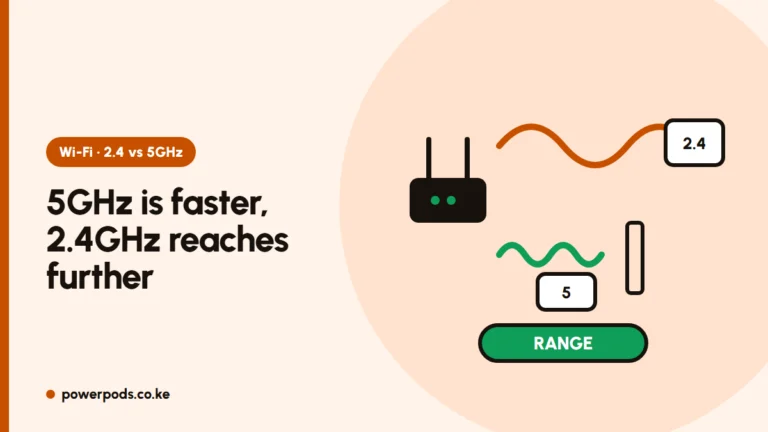
To extend WiFi range, first move your router somewhere high and central and use the 2.4 GHz band for far rooms; that alone often fixes dead spots for free. If it doesn’t, add a mesh system for larger or multi-storey homes, or an extender for one weak room.
Free fixes
Try these before you spend anything:
- Move the router. Get it off the floor and out of the TV cabinet, ideally high on a wall or shelf in the middle of the house. Fibre installers often leave it by the front door, which wastes half the signal outside.
- Point the antennas: one straight up, one sideways helps coverage on two floors.
- Keep it clear of metal grilles, mirrors, fish tanks and microwaves.
- Use 2.4 GHz for distance. It reaches further and goes through walls better; 5 GHz is faster but shorter-range.
- Restart and update the router, and change the WiFi channel if neighbours crowd yours.
More tweaks for speed rather than reach: increase WiFi speed.
Extender vs mesh vs powerline
| Option | Best for | Watch out for |
|---|---|---|
| Extender | One weak room in a flat or bungalow | Often halves speed; separate network name on some models |
| Mesh | Maisonettes, big homes, many dead spots | Costs more; you need 2–3 units |
| Powerline | Thick stone walls, servants’ quarters on the same wiring | Needs both sockets on the same electrical circuit; avoid extension cords |
| Cable + access point | Anywhere you can run an Ethernet cable | Drilling and cable work |
Is mesh better than an extender? For a whole house, yes: mesh units work as one network, hand your phone over smoothly and lose less speed. An extender is fine for one room on a budget. Typical costs: WiFi extender prices in Kenya.
Placement matters for both. Put the extender or mesh unit halfway between the router and the dead zone, where the signal is still good, not inside the dead room itself. If your extender is already up but crawling, see WiFi extender slow.
Using an old router as an access point
That old router from a previous ISP can extend your range without a repeater:
- Connect it to your main router with an Ethernet cable (LAN port to LAN port).
- In its settings, turn off DHCP and give it a fixed IP address on the same network as the main router.
- Give it the same WiFi name and password as your main network.
A cable link keeps the full speed, which is why this beats a wireless extender.
Upstairs and thick-wall homes
Stone and concrete walls block WiFi far more than drywall.
- Maisonette: place the router on the ground-floor ceiling or high on the stairwell wall, or put one mesh unit on each floor.
- Stone walls: run a cable through the wall to an access point, or try powerline.
- Servants’ quarters or a gate house: an outdoor access point, or a cable run, works far better than an indoor extender through two walls and a compound.
Quick answers
Move the router high and central, use 2.4 GHz for distant rooms, then add mesh or an extender if dead spots remain.
For a whole home, yes. An extender is cheaper and fine for one weak room.
Reposition the router, switch far devices to 2.4 GHz, or connect an old router by cable and use it as an access point.