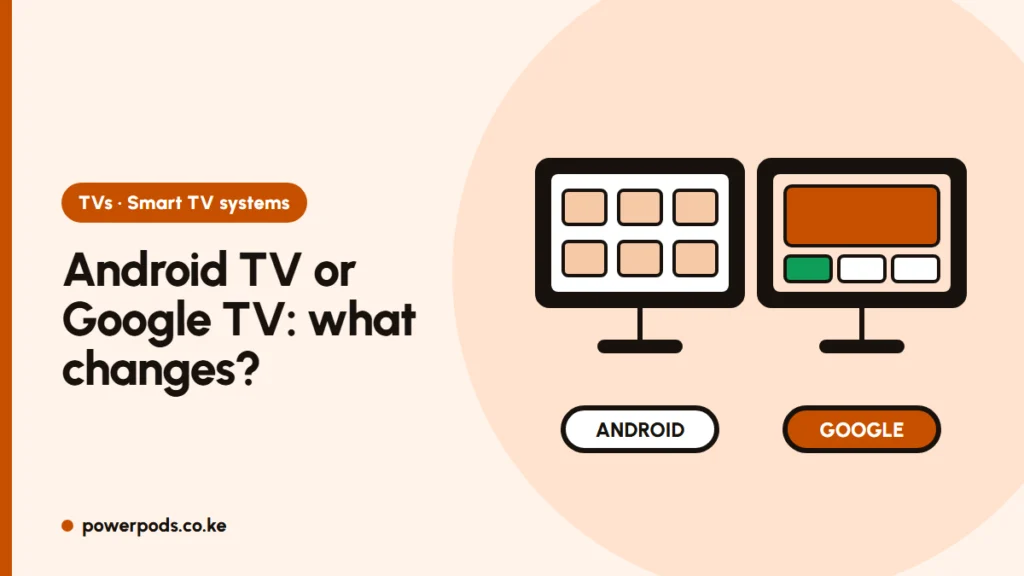
Android TV vs Google TV is not really a contest: Google TV is Google’s newer home screen running on top of Android TV, so both run the same apps and both have Chromecast built in. The difference is how you find things: Google TV organises films and shows from all your apps in one place, while classic Android TV shows rows of apps.
Same engine, new interface
Think of Android TV as the engine and Google TV as a newer dashboard.
- Android TV is the operating system Google makes for TVs and TV boxes. Its home screen is built around apps and channels.
- Google TV uses Android TV underneath but replaces the home screen with one built around content: films, series and live TV, pulled from the apps you use.
If a TV says “Google TV”, it is also an Android TV. Newer Sony, TCL, Hisense, Xiaomi and other models usually ship with Google TV; many older and budget sets still run the classic Android TV home screen. For other systems like Tizen, webOS and VIDAA, see smart TV operating systems.
Home screen, recommendations and profiles
| Android TV | Google TV | |
|---|---|---|
| Home screen | App rows and channels | “For you” film and show suggestions |
| Watchlist | Per app | One watchlist across apps, also from your phone |
| Profiles | Limited | Separate profiles, including kids profiles |
| Search | Good | Searches across apps, often with voice |
| Basic mode | Not needed | “Basic TV” option without a Google account |
Google TV suits households where several people watch different things. If you only use two or three apps, Android TV is just as good.
Apps, casting and updates
- Apps: both use the Google Play Store, so Netflix, YouTube, Prime Video and most big streaming apps work on either. A few local apps are only available on some TVs: check in the Play Store on the actual TV, or ask to see it in the shop.
- Casting: both have Chromecast built in, so you can cast from YouTube on your phone. More in Google TV vs smart TV.
- Updates: depend on the TV maker, not Google. Newer Google TV models generally get updates longer, which matters for app support years later.
Can an Android TV become a Google TV? Usually not through a software update; that’s up to the manufacturer and rarely happens. The cheap fix is to plug a Google TV streaming stick or box into an HDMI port.
Which should you pick?
- Pick Google TV if you’re buying new: it’s the current version, gets newer features, and makes finding something to watch easier.
- Android TV is fine on an older or discounted TV if the picture and price are right; the apps are the same.
- Don’t choose on the interface alone. Picture quality, size, ports and sound matter more: see how to choose a TV.
Comparing a different system? Read VIDAA vs Android TV.
Quick answers
Google TV is the newer, friendlier version, with better recommendations and profiles. The apps and casting are the same, so an Android TV is still a good buy at the right price.
Rarely by update. Adding a Google TV streaming stick to any TV’s HDMI port gets you the Google TV interface.
Yes. Both Android TV and Google TV have Chromecast built in.