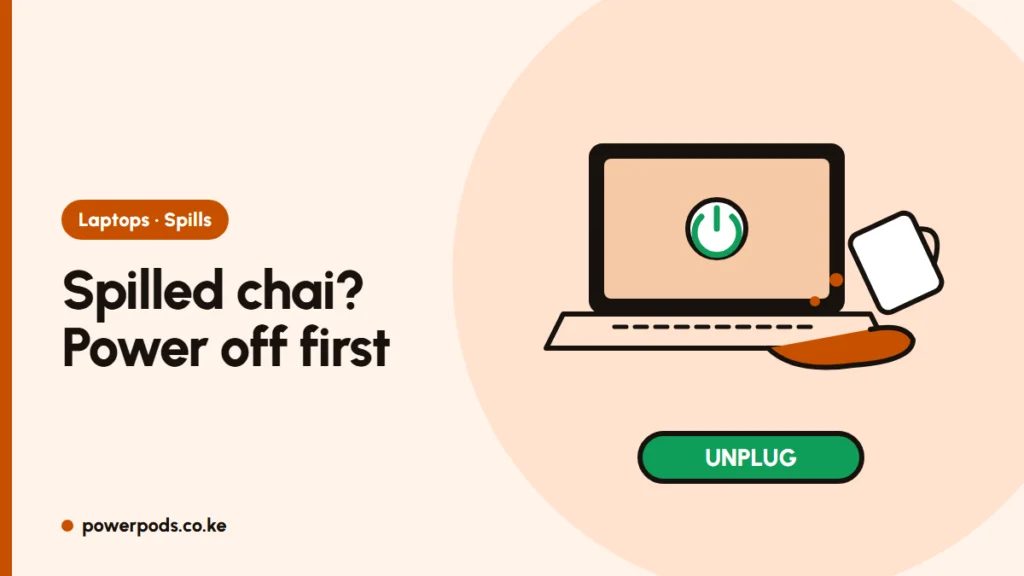
After a liquid spill on a laptop, switch it off and unplug the charger immediately, then turn it upside down so the liquid drains out. Electricity plus liquid is what kills the board, so every second it stays on matters more than how much you spilled.
The first 60 seconds
- Unplug the charger and any USB devices.
- Hold the power button until the laptop is fully off. Don’t wait for a proper shutdown.
- Remove the battery if your model has a removable one (many older ex-UK business laptops do).
- Tip it upside down with the lid open in a tent shape, keyboard facing down, over a towel.
- Blot, don’t wipe. Dab the keys and casing with a dry, lint-free cloth or tissue.
Do not switch it on “to check”. That is the moment most spilled laptops short-circuit.
Drain and dry properly
- Leave it upside down in a dry room with moving air for at least 24 to 48 hours. A fan blowing across it (not into it) is fine.
- Skip the rice. It doesn’t dry electronics faster than open air, and grains and starch dust can end up in the keyboard, ports and fan.
- No hairdryer, heater or direct sun. Heat can warp plastics and damage the battery, and strong air pushes liquid deeper inside.
- Back up your files as soon as it works again, in case damage shows up later. See how to back up your computer.
Sugary drinks: why they’re worse
Plain water often dries out without lasting harm. Chai, soda, juice and coffee with sugar leave a sticky film after the water evaporates. That residue makes keys stick, and the sugar and milk keep attracting moisture, which slowly corrodes the circuits over the following days and weeks.
For sticky keys after the laptop is dry:
- Wipe around the keys with a cloth lightly dampened with isopropyl alcohol (not dripping).
- Work along each key edge with a cotton bud dipped in alcohol.
- If keys still stick, removing the keycaps helps, but follow the method in how to clean a laptop keyboard, as clips break easily.
Even if it seems fine, a sugary or milky spill on the keyboard is worth an internal clean, because the corrosion you can’t see does the damage.
When to take it to a technician
Go to a repair shop quickly (the same or next day) if:
- More than a splash went in, or it was tea, soda, juice or anything sugary.
- The laptop was on and charging when it happened.
- It won’t power on, the screen shows lines, or keys type the wrong letters.
- You smell burning or see bubbling on the battery. Keep it away from anything flammable.
Ask for the board to be opened and cleaned, and get a quote first. Fast cleaning is cheaper than a corroded motherboard later.
Quick answers
Unplug it, hold the power button until it’s off, remove the battery if you can, and turn it upside down to drain. Let it dry for 24 to 48 hours before switching on.
No. Rice dries no faster than open air and can leave grains and dust inside. Use a dry, ventilated room instead.
Once the laptop is fully dry and off, wipe around the keys with isopropyl alcohol on a cloth or cotton bud. If a sugary drink got inside, have a technician clean the board.