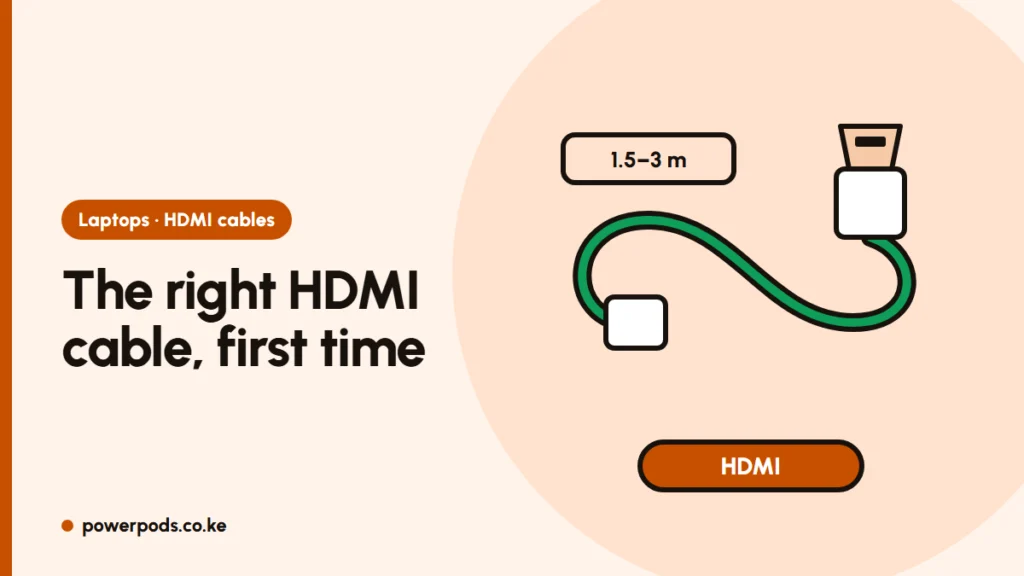
For most people, the right HDMI cable for laptop to TV is an ordinary HDMI-to-HDMI cable labelled “High Speed” or “Premium High Speed”, 1.5 to 3 metres long. You only need something different if your laptop has a smaller port (Mini HDMI or USB-C) or no HDMI at all.
Updated 30 October 2026.
Check your laptop’s port first
| Port on the laptop | Cable to buy |
|---|---|
| Full-size HDMI (about 14 mm wide, flat trapezoid) | HDMI to HDMI |
| Mini HDMI (smaller, on some thin laptops and tablets) | Mini HDMI to HDMI |
| Micro HDMI (tiny, rare on laptops) | Micro HDMI to HDMI |
| USB-C with a DP or lightning-bolt symbol | USB-C to HDMI cable or adapter |
The TV end is almost always full-size HDMI. Unsure? Search your laptop’s model number with “specifications”. No video port at all? See connecting a laptop to a TV without HDMI.
HDMI versions: does it matter?
Cables aren’t really “HDMI 2.0” or “2.1”; those numbers describe ports. What matters on a cable is its speed label:
- High Speed: fine for 1080p and basic 4K at 30Hz. Enough for most laptops, which output 1080p or 4K at 30–60Hz.
- Premium High Speed: 4K at 60Hz with HDR. The safe choice for a 4K TV.
- Ultra High Speed: 4K at 120Hz and 8K. Only needed for gaming laptops or consoles on a 120Hz TV.
A faster cable can’t make the picture better than the laptop sends, so don’t overpay. Genuine Premium and Ultra cables carry a certification label with a QR code on the box.
Length and quality
- 1.5–2 m: laptop on a table next to the TV.
- 3 m: laptop on the sofa or a desk across a small room.
- 5 m and longer: cheap cables often flicker or drop signal at this length. Spend more on a well-built cable, or consider an active or fibre-optic HDMI cable for 10 m and beyond.
Leave some slack so the cable doesn’t strain the laptop port. Loose ports and damaged cheap cables are the usual reasons a connection stops working; see why a laptop won’t connect to a TV over HDMI.
USB-C and Mini HDMI options
- USB-C to HDMI cable: one cable, neat, no extra box.
- USB-C hub with HDMI: adds USB-A ports and often a charging port, handy for presentations.
- Mini HDMI adapter: a short adapter plus your normal HDMI cable works too.
Not every USB-C port carries video. If the TV shows “no signal” with a USB-C adapter, try the laptop’s other USB-C port.
Typical prices in Kenya
These are approximate shop and online prices; branded cables cost more.
| Cable | Typical price |
|---|---|
| HDMI 1.5–3 m (generic) | KES 300 – 1,000 |
| HDMI 5 m | KES 500 – 2,000 |
| HDMI 10 m | KES 800 – 3,500 |
| USB-C to HDMI cable or adapter | KES 1,000 – 3,500 |
| Mini HDMI to HDMI | KES 400 – 1,500 |
For a short run, a mid-priced generic cable works as well as an expensive one. Once it’s plugged in, follow the steps in how to connect a laptop to a TV.
Quick answers
A standard HDMI-to-HDMI cable labelled High Speed or Premium High Speed, unless your laptop has Mini HDMI or USB-C, which need their own cable or adapter.
Roughly KES 300 to 1,000 for a 1.5–3 m generic cable, more for long or branded cables.
Any working HDMI cable will connect a laptop at 1080p. For a 4K TV, pick Premium High Speed, and avoid very cheap cables longer than 5 m.