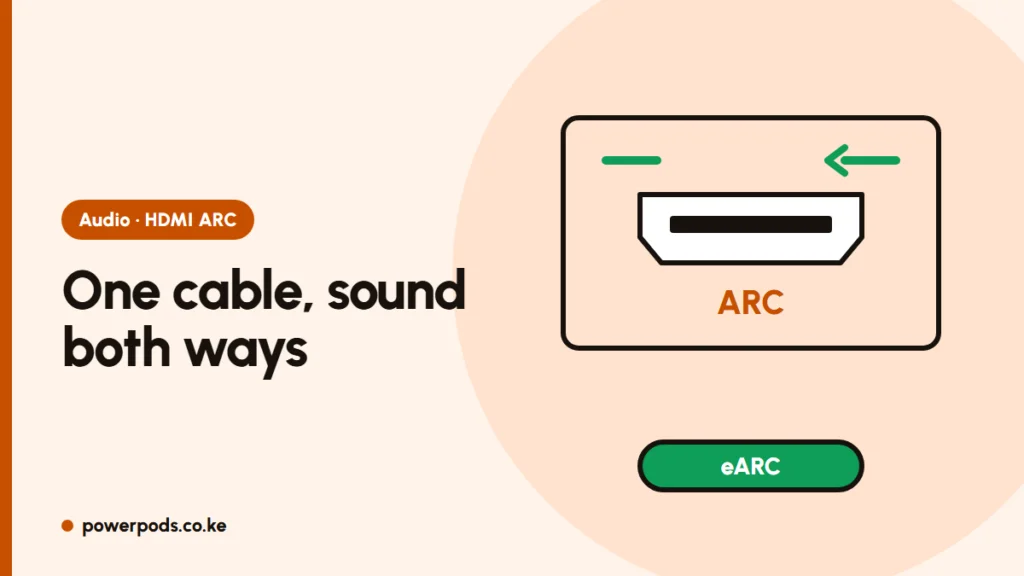
HDMI ARC explained in one line: ARC (Audio Return Channel) lets your TV send its sound out to a soundbar or home theatre through the same HDMI cable, and with CEC switched on, the TV remote controls the volume. eARC is the newer, faster version that carries full-quality surround sound.
What ARC and eARC do
Normally HDMI carries picture and sound into the TV. ARC adds a return lane, so sound from the TV’s apps, decoder or games goes back out to the speaker.
| ARC | eARC | |
|---|---|---|
| Bandwidth | About 1 Mbps | About 37 Mbps |
| Stereo and standard Dolby Digital | Yes | Yes |
| Dolby Atmos | Compressed version only (inside Dolby Digital Plus) | Lossless versions too (Dolby TrueHD) |
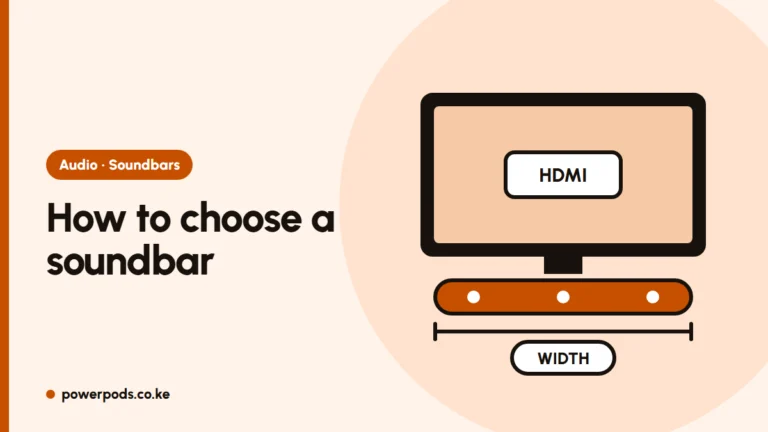
Is eARC better than ARC? Yes, but you only hear the difference with lossless surround sources and a soundbar or receiver that supports eARC. Both the TV and the speaker must have eARC; otherwise they fall back to ARC. For Netflix, YouTube and DStv, ARC is usually enough. Matching ports: how to choose a soundbar.
Find the ARC port
Look at the HDMI ports on the TV: usually only one is labelled “ARC” or “eARC/ARC”. That is the one the soundbar must use. Plug the other end into the soundbar’s HDMI OUT (TV-ARC) port, not an HDMI input.
No ARC label means no ARC; use optical. Cabling steps: how to connect a soundbar to a TV; older systems: connecting a woofer or home theatre.
Turn on ARC and CEC (brand names)
ARC usually works only when HDMI-CEC is on. Each brand gives it its own name:
| TV brand | CEC setting name |
|---|---|
| Samsung | Anynet+ (HDMI-CEC) |
| LG | SimpLink |
| Sony | BRAVIA Sync |
| Philips | EasyLink |
| Panasonic | VIERA Link |
| Hisense, TCL and others | Usually CEC or HDMI Control |
Then set the TV’s sound output to the HDMI/ARC (or receiver) option. Some TVs have a separate eARC switch; turn it on if your speaker supports eARC.
ARC not working: fixes
- Check the port: the cable must be in the TV’s ARC port and the soundbar’s ARC/HDMI OUT port.
- Switch CEC off and on again on the TV, and turn on CEC (or “TV remote control”) on the soundbar if it has the option.
- Power-cycle both: switch off, unplug for about 30 seconds, then turn on the soundbar first and the TV second.
- Try another HDMI cable, ideally a newer high-speed one; old or cheap cables are a common cause.
- Set digital audio output to PCM if you hear nothing or crackles; the speaker may not decode the format the TV is sending.
- Test with only the soundbar connected. Unplug the decoder and console, then add them back one by one.
- Update the TV and soundbar software.
If ARC stops working after a KPLC power cut, do the full power-cycle in step 3 before anything else.
Quick answers
A feature that sends the TV’s sound down an HDMI cable to a soundbar or receiver; with CEC, one remote controls both.
Yes, it carries lossless surround formats, but both the TV and speaker need eARC.
Connect to the TV’s ARC port, turn on HDMI-CEC (Anynet+, SimpLink, BRAVIA Sync and so on), and set the TV’s sound output to the HDMI/ARC speaker.