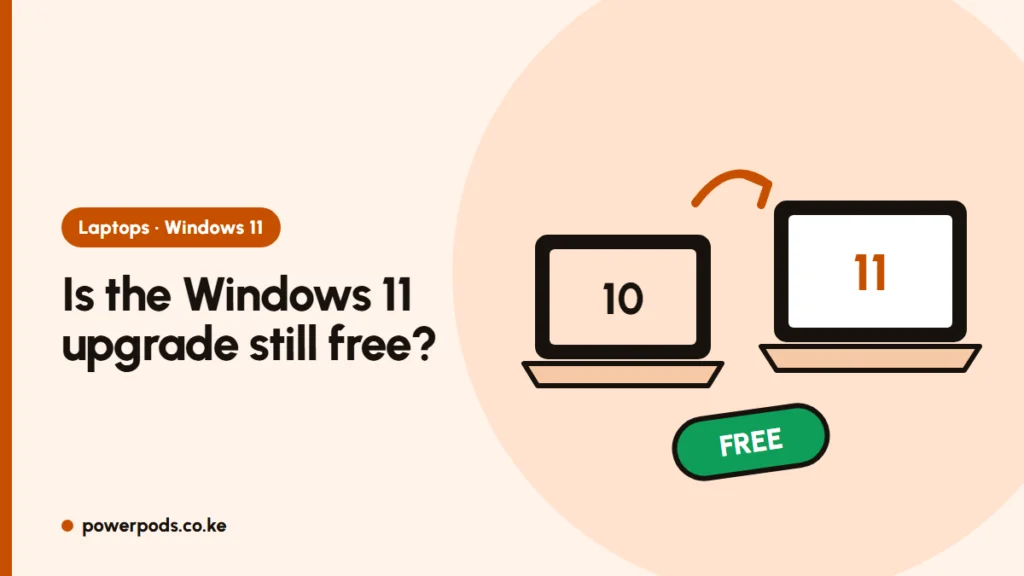
Yes, you can upgrade Windows 10 to Windows 11 for free, as long as your PC meets the Windows 11 requirements. The upgrade comes through Windows Update or Microsoft’s Installation Assistant, and your existing licence carries over.
Updated 29 October 2026.
Short answer: yes, if your PC qualifies
The free upgrade from Windows 10 to 11 depends on your hardware, not on a deadline. Open the free PC Health Check app: if it says your PC meets the requirements, you’re good.
The usual blockers are an older processor (roughly anything before Intel 8th gen or AMD Ryzen 2000), TPM 2.0 switched off, or Secure Boot not enabled. Our guide to Windows 11 system requirements explains each one.
You don’t need a new product key. An activated Windows 10 PC gets a digital licence for Windows 11 automatically.
Windows 10 support has ended: what it means
- Windows 10 support ended on 14 October 2025, and the consumer Extended Security Updates finished on 13 October 2026.
- Your PC still switches on and works, but it no longer gets security fixes.
- Over time, browsers and apps will drop support too.
- Risk is highest on shared machines in offices and cyber cafés, and on any PC used for online banking or email.
How to upgrade step by step
- Back up your documents and photos to an external drive or cloud storage.
- Run PC Health Check and fix anything it flags (often TPM or Secure Boot in the BIOS).
- Free up disk space; a safe margin is 25 GB or more.
- Plug in the charger. A power cut mid-upgrade can corrupt Windows, so use a UPS or pick a time when outages are unlikely.
- Go to Settings > Update & Security > Windows Update and click Check for updates. If “Upgrade to Windows 11 is ready” appears, choose Download and install.
- No offer showing? Download the Windows 11 Installation Assistant from Microsoft’s website and run it.
- After restarting, check Settings > System > Activation.
The download is several gigabytes (the full Windows 11 image is about 5–6 GB), so use home Wi-Fi or fibre rather than mobile bundles. For a clean start instead of an upgrade, see how to install Windows 11 from a USB stick.
If the laptop feels sluggish afterwards, that’s common for a day or two; our fix guide for a laptop slow after the Windows 11 update covers the rest.
If your laptop doesn’t qualify
You have four realistic options:
- Install anyway with a workaround. It works on many older PCs, but Microsoft doesn’t support it. See installing Windows 11 on an unsupported PC.
- Switch to a free system such as a Linux distribution or ChromeOS Flex, which run well on older hardware.
- Keep Windows 10 carefully: use an updated browser, avoid unknown downloads, and don’t do banking on it.
- Replace the laptop. An 8th-gen or newer ex-UK business laptop qualifies and is often affordable.
Quick answers
Yes, for PCs that meet the requirements and run activated Windows 10. The licence carries over automatically.
Windows 10 keeps working but gets no security updates, so it becomes riskier to use online over time.
Back up, run PC Health Check, then use Windows Update or the Windows 11 Installation Assistant on a stable connection and power supply.